...
Log in as a user with the 'Jira Administrators' global permission.
Navigate to Admin menu → Manage apps → Idea Hub.
Go to the Product Setting page.
Enable desired functionality → press Save.
...
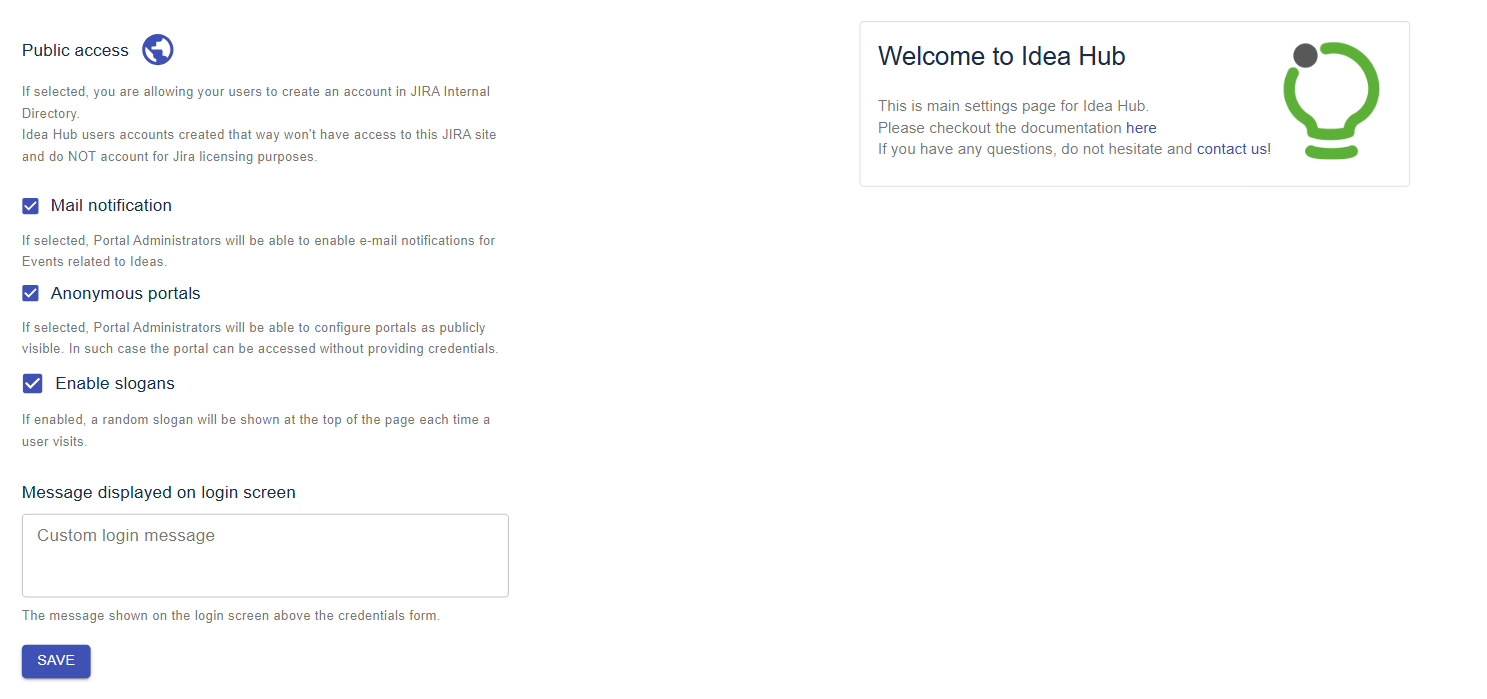
Public Access
When Public access is enabled, external users will be able to self-register and create an account in Jira Internal Directory. Those users will not have access to your Jira instance and DO NOT count towards your license limit.
...
If checked Portal Admins can allow users to access Idea Portal without having an account. Anonymous users can view Ideas created by other users, attachments, current statuses and public comments. Anonymous users cannot add new Ideas, comment, vote for Ideas and search within the Portal.
Enable slogans
If checked, various motivational quotes (slogans) will be displayed at the top bar of the Idea Portal.
Message displayed on login screen
The field allows specifying a custom message that will be displayed on the Portal's login page.
Portals
List of projects for which Idea Portal is enabled.