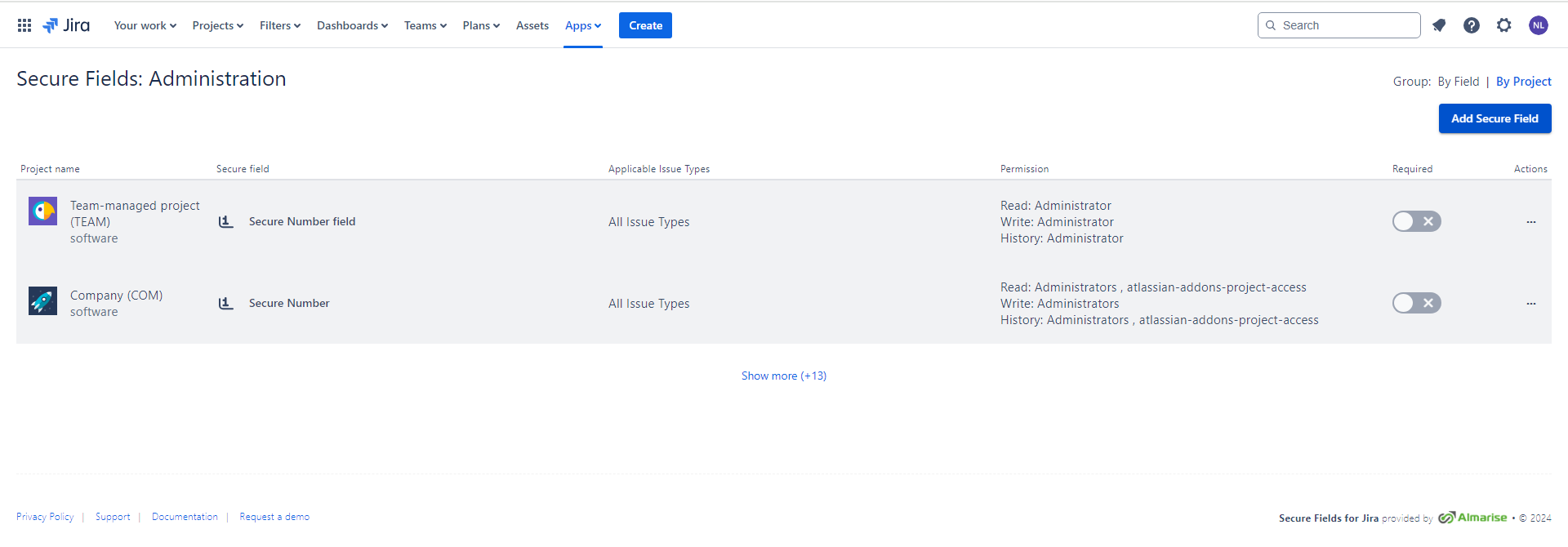
As a Jira Administrator, you can access the list of all the secure fields by navigating to Apps → Secure Fields Administration.
This Admin menu was designed to give Administrators an overview of all the secure fields in the current instance and to simplify adding and/or removing the secure fields in multiple projects.
Additionally, there are two sorting options available:
- sorting by secure field
- sorting by the project